



Cowboy Spin Mobile Platform
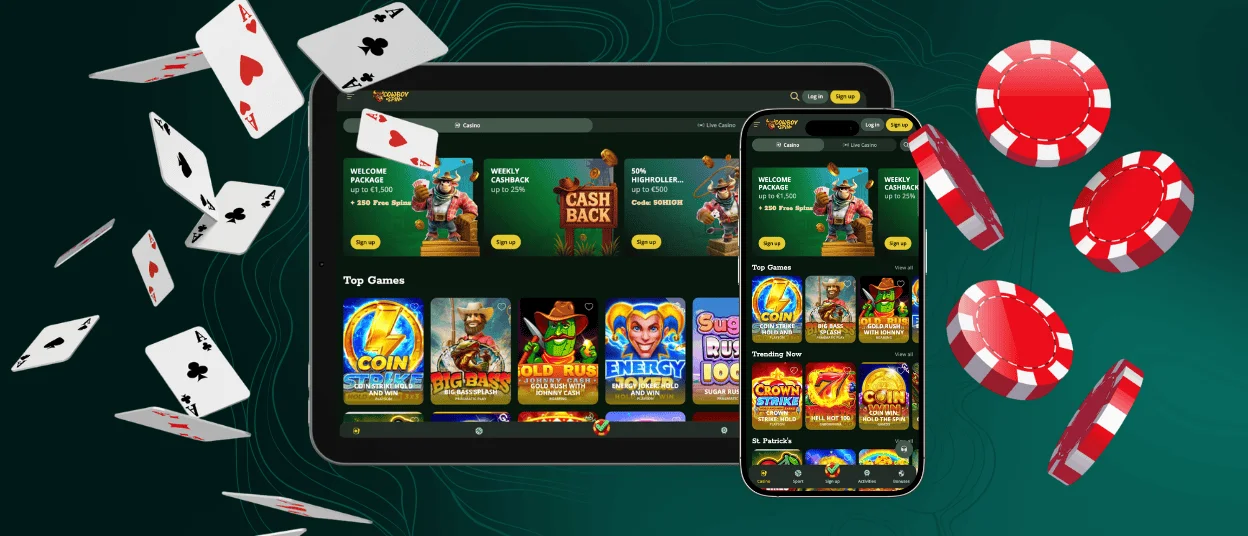
The Cowboyspin app is an opportunity for all our clients not to be limited by their location and device. You can easily play on your smartphone or tablet and switch to a PC or a laptop when it’s more convenient for you. All your favorite games will be available on the go with fast loading and smooth gameplay.



Why Choose the Cowboyspin App?
At Cowboyspin Casino, we understand the importance of modern players being online from anywhere. Users prefer to have their entertainment sources on a mobile device. Our online casino offers multiple options to make it real. Users can simply enjoy the mobile browser version of the website or install a user-friendly Cowboy Spin app.
We guarantee that both options will offer you a full gaming experience without losing any features that we have on desktop. All the same processes and features will await you but optimized for smartphones and tablets.
Security Measures for Mobile Players
New users may have some concerns about installing a new application on their devices and providing personal and payment information. Cowboyspin holds the official eGaming license from the Curacao Gaming Control Board. We use an innovative 256-bit AES encryption system to keep all your data safe. The web application firewalls help us with keeping the mobile software secure from potential hacking attacks. On your mobile device, you can enable biometric login (Face ID, Touch ID).
Mobile Software for Android
All our Android clients can enjoy a seamless experience on their mobile devices. You get access to the whole Cowboy Spin game collection with over 6,000 titles. There are online slots, live casino games, table games, crash titles and much more. In our mobile casino, all titles are adapted to smaller screen sizes. We use special touch-control functionality to keep the processes convenient and fun.
The Cowboyspin app can be installed directly from our website. It requires a stable internet connection (Wi-Fi, 4G or 5G) and your mobile device. Follow our instructions below to make everything quick and easy:
- Users have to go to the main menu of the website.
- It’s necessary to click the “Casino App” button.
- On the new page, you need to choose “Install”.
- The brand icon will appear on your home screen within a few seconds.
Play on the Go on iOS
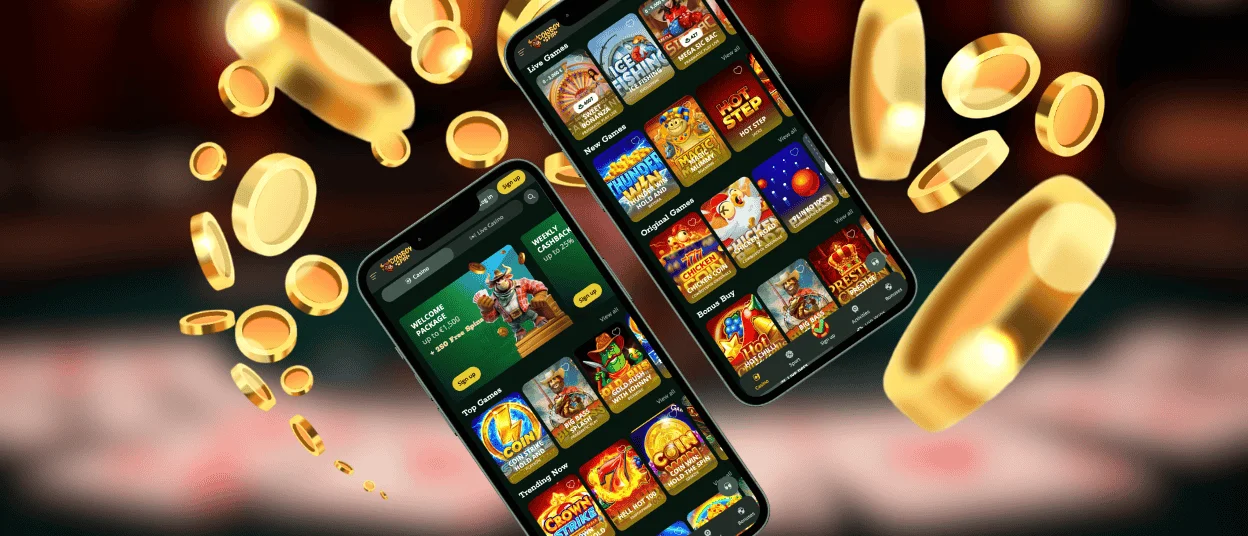
Cowboyspin Casino is also available for those who have iOS devices. You can use it in Firefox or Google Chrome without any installation. If you’re already our desktop player, the design and navigation will be familiar to you. Users must simply log in to their existing account. No additional registration is required. But if your first withdrawal will be on a mobile device, you still have to go through the verification process.
Another option is the Cowboyspin app. It allows you to access all your favorite features with just one click from the home screen. If you encounter any questions regarding the mobile software, there is a built-in live chat to contact our support team. Users can also email us if it’s more convenient.
How to Install the Application?
Installing the software on an iPhone or iPad is straightforward. We offer our clients a progressive web app (PWA) that doesn’t take up much storage on your device. Users don’t need to create additional accounts in the App Store because Cowboyspin can be installed from our website.
If you’re ready to try out the application, you should visit our page on your smartphone or tablet in any preferred browser, for example, Safari. Click the “Share” button at the bottom of your screen to open the browser options. You need to choose “Add to Home Screen” to create a shortcut icon. The Cowboy Spin Casino players can change the name or the appearance of it if needed.
Cowboyspin Casino on Your PC
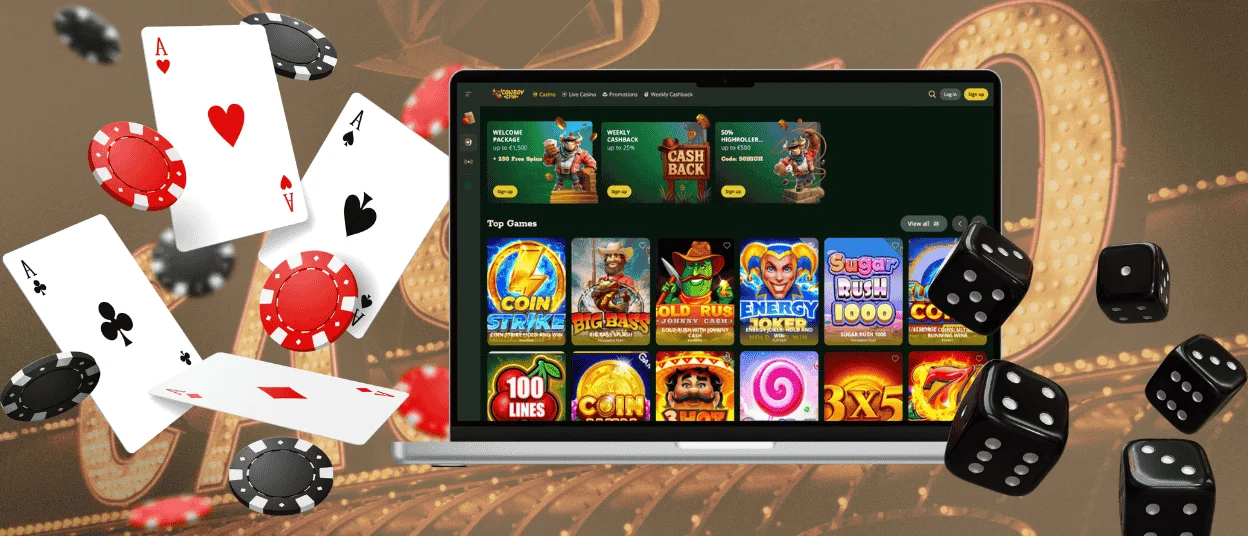
Even though mobile gaming is getting more popular, many users enjoy playing on large screens in the comfort of their homes. We don’t limit you and offer a fully optimized Cowboyspin desktop version for Windows and macOS. After logging in to your account, all your preferences, achievements and balance will be synchronized across the devices. The table below shows the main differences between playing on a mobile and a desktop.
| Aspect | Playing on mobile | Playing on a desktop |
| Screen experience | Compact screen is optimized for touch navigation and quick sessions | Larger display provides a more detailed view of games and interfaces |
| Controls | Touchscreen controls functionality is for tapping and swiping | Mouse and keyboard offer precise control and navigation |
| Portability | You can play anywhere with an internet connection | Users are usually limited to playing at home or at a desk |
| Performance | Optimized mobile versions ensure smooth gameplay on smaller devices | It is often slightly faster with stronger hardware and stable connections |
| Immersion | Convenient for short gaming sessions on the go | More immersive due to a bigger screen and full interface visibility |
FAQ
Can I switch seamlessly between the desktop and the Cowboyspin Casino App?
Our clients can play on both the desktop and mobile versions of Cowboy Spin but not at the same time. You should use the same account to synchronize your information between devices.
What should I do if the app crashes during the gaming session?
If the Cowboyspin app stopped working or is glitching, check your internet connection and re-enter the mobile software. If the problem persists, contact our support team via live chat or email.
Are the payment methods and processes the same on mobile devices?
After completing the registration, you can easily make deposits and withdrawals on your mobile device. The processes are the same. You can choose from bank cards, cryptocurrencies, e-wallets and bank transfers.


